Cloud Accounting Surrey BC

Cloud Accounting Solutions in Surrey BC for Clearer Financial Workflows

Cloud Accounting Solutions in Surrey BC help business owners replace scattered spreadsheets, paper receipts, delayed reports, and disconnected financial systems with a clearer digital workflow. If bank transactions, invoices, GST/HST records, payroll information, and expenses live in different places, it becomes harder to know whether the books are current or which numbers need attention.

Phoenix Knight Financial Services helps businesses set up, clean up, and organize cloud accounting around their operations. We support QuickBooks, Xero, Sage, bank feeds, receipt workflows, reporting, user access, and tax-ready records so owners can spend less time chasing information and more time reviewing financial information.

More Than 20 Years of Experience Accounting, bookkeeping, tax, and cloud accounting support
Surrey business owner using cloud accounting software for invoices receipts bank feeds and monthly reports
Why Cloud Accounting

Stop Waiting Until Year-End to Understand the Books

Cloud accounting is most useful when it solves a real accounting problem. The goal is to make financial records easier to organize, reconcile, review, and use throughout the year.

02

Financial Reports Arrive Too Late

Owners need useful accounting information while business decisions are being made, not only after months of transactions need to be reconstructed.

  • Recurring financial reports
  • Receivable visibility
  • Payable visibility
  • Account balance review
Explore Accounting Services
03

GST/HST Records Become Hard to Follow

Sales, purchases, tax codes, GST/HST collected, and Input Tax Credit information are easier to review when transactions are recorded consistently.

Explore GST/HST Filing Services
You Do Not Need to Understand Accounting Software Before Asking for Help.

The starting point can be your existing spreadsheets, accounting file, statements, receipts, and current workflow. From there, the system can be organized around what your business actually needs.

Software Setup

QuickBooks, Xero, and Sage Cloud Accounting Support

Choosing software is only one part of cloud accounting. The accounts, opening balances, bank feeds, GST/HST settings, document workflow, reporting, and user access also need to fit the business.

Xero

Xero Accounting Setup

Build a workflow for bank activity, invoices, bills, receipts, account reconciliation, and recurring financial reporting.

  • Accounting-file setup
  • Bank reconciliation workflow
  • Receipt process
  • Monthly reporting setup
Explore Xero Accounting
Sage

Sage Accounting Support

Review existing Sage records or organize a workflow around the financial accounts, reports, users, and processes the business already uses.

  • Existing file review
  • Account organization
  • Workflow planning
  • Reporting review
Explore Sage Accounting
Cloud Setup Details

What We Configure for Your Business

Software can still produce confusing records when the chart of accounts, opening balances, tax settings, bank connections, and daily processes are not organized around the business.

The setup should make routine transactions easier to understand and make financial reports easier to review later.

Daily Workflow Setup

  • Invoice workflow
  • Receipt capture process
  • Supplier bill workflow
  • User permissions
  • Reporting routine

If the current accounting file contains missing transactions, unreconciled accounts, or unclear balances, cleanup may need to happen before the new workflow is established.

Explore Bookkeeping Cleanup Services
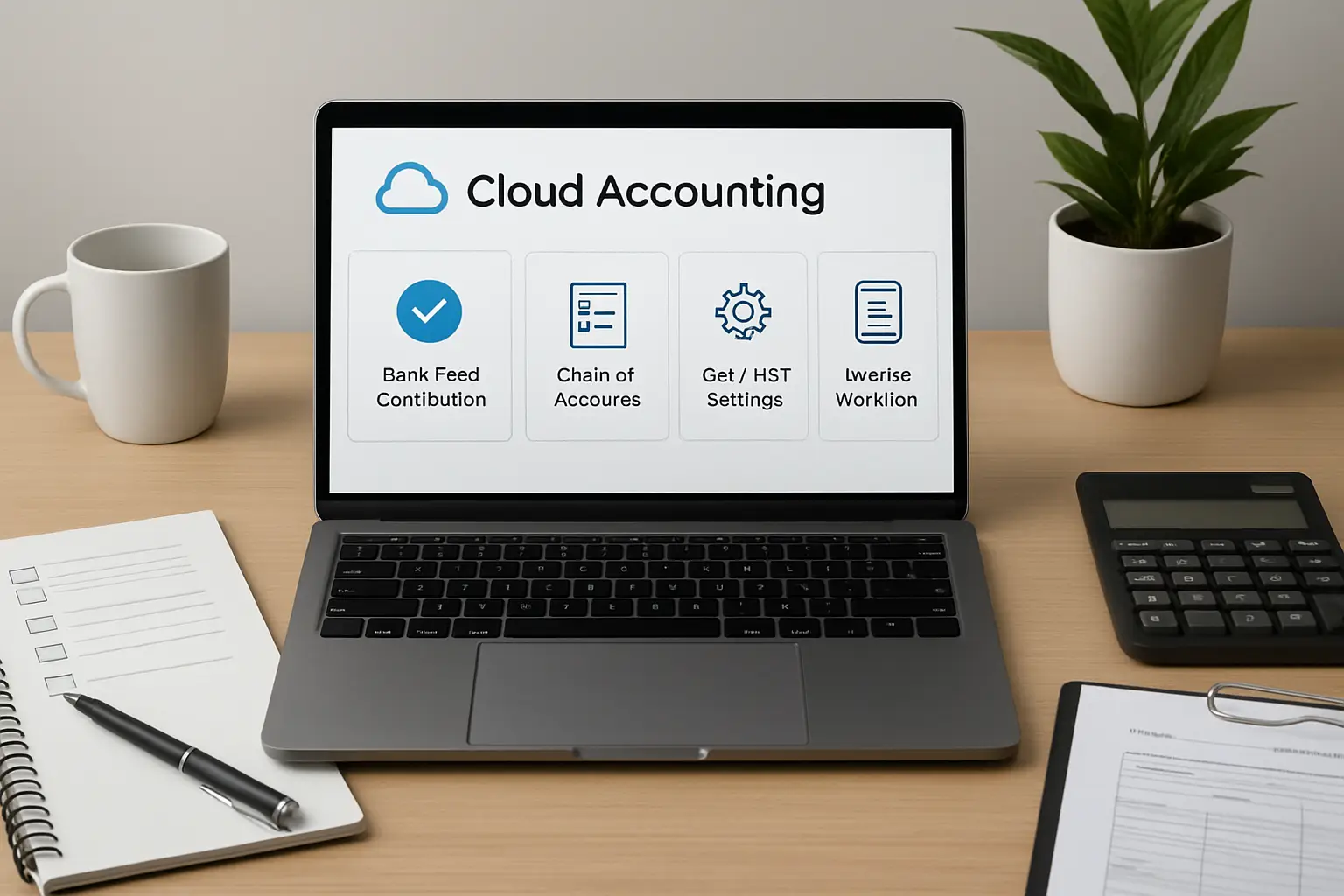
Cloud accounting software setup with bank feeds chart of accounts GST settings and invoice workflow for a Surrey business
Connected Accounting

What Should Connect to Your Cloud Accounting System?

A cloud accounting file becomes more useful when the right financial information reaches it consistently. The goal is not to connect every tool available. It is to connect the systems that affect your accounting records.

Sales

Invoices and Sales Records

Customer invoices, payments, deposits, and sales information should connect to receivables and revenue records in a consistent way.

  • Customer invoices
  • Payments
  • Deposits
  • Receivable records
Payroll

Payroll Accounting Information

Payroll reports can connect wage expenses, employer costs, deductions, and payroll liabilities with the general accounting records.

Explore Payroll Services
Documents

Bills and Supporting Records

Supplier bills, expense receipts, and other documents can be organized so transactions are easier to identify and support.

  • Supplier bills
  • Expense receipts
  • Purchase records
  • Digital supporting files
Better Workflow

Cloud Accounting Workflows

A useful system follows the way money actually moves through the business—from customer invoices and expenses to GST/HST, reconciliation, and recurring financial reporting.

Expenses

Bills and Receipts

Organize supplier bills, expense transactions, receipts, and supporting records within a repeatable bookkeeping process.

  • Receipt capture
  • Supplier bills
  • Expense records
Tax

GST/HST Information

Use consistent sales-tax codes and transaction records so GST/HST collected and eligible purchase information can be reviewed more clearly.

  • GST/HST codes
  • Tax-collected records
  • ITC-related records
Reports

Monthly Financial Reporting

Bring reconciled records into reports that help explain profitability, account balances, receivables, payables, and cash movement.

Explore Cash Flow Forecasting
Business records being moved from spreadsheets and paper files into cloud accounting software
Software Migration

Move From Spreadsheets or an Older Accounting System

Spreadsheets can work when a business is simple. As transaction volume, employees, GST/HST records, customer invoices, supplier bills, and financial accounts grow, maintaining the same manual process can become harder.

A migration should preserve the financial information that matters, establish a reliable starting point, and avoid bringing unnecessary accounting problems into the new system.

Migration Work May Include

  • Existing data review
  • Opening balance review
  • Customer and vendor records
  • Chart of accounts setup
  • Workflow testing
Cloud Accounting Setup

A Structured Cloud Accounting Setup Process

The process starts with your current records and finishes with a workflow your business can continue using after the initial setup.

01

Review

Review the current accounting file, spreadsheets, financial accounts, receipts, GST/HST setup, reports, and workflow problems.

02

Design

Plan the chart of accounts, document workflow, banking, invoicing, expenses, tax settings, reports, and user access.

03

Configure and Test

Build the accounting file, connect the agreed systems, review opening information, and test the recurring workflow.

04

Train and Support

Review how owners or staff should handle invoices, receipts, reports, approvals, and routine accounting tasks within the configured system.

Local Business Fit

Cloud Accounting for Different Surrey Businesses

The software may be similar, but the workflow should reflect how the business earns revenue, pays costs, manages employees, and produces financial records.

Retail and Restaurants

Bring sales reports, deposits, supplier bills, merchant fees, operating expenses, payroll-related information, and tax records into a consistent workflow.

Professional Services

Manage retainers, client invoices, customer payments, subscriptions, contractor costs, receivables, and recurring financial reports.

Healthcare and Clinics

Organize professional revenue, rent, payroll-related records, contractor costs, software, supplies, and clinic expenses.

Explore Healthcare Accounting

Real Estate Businesses

Track commissions, property-related activity, marketing, brokerage costs, financing information, and recurring business expenses.

Explore Real Estate Accounting

Freelancers and Creators

Organize client or platform income, software subscriptions, project costs, home-office records, and other business expenses digitally.

Explore Freelancer Tax Services
Access and Controls

Give the Right People the Right Accounting Access

Moving accounting online does not mean every user needs the same access. Permissions and responsibilities should reflect what owners, staff, bookkeepers, and other users actually need to do.

Accounting Controls

  • Approval workflow
  • Supporting documents
  • Account reconciliation
  • Recurring review process

Businesses that want the accounting workflow handled remotely on an ongoing basis may also need broader virtual accounting support.

Explore Virtual Accounting Services
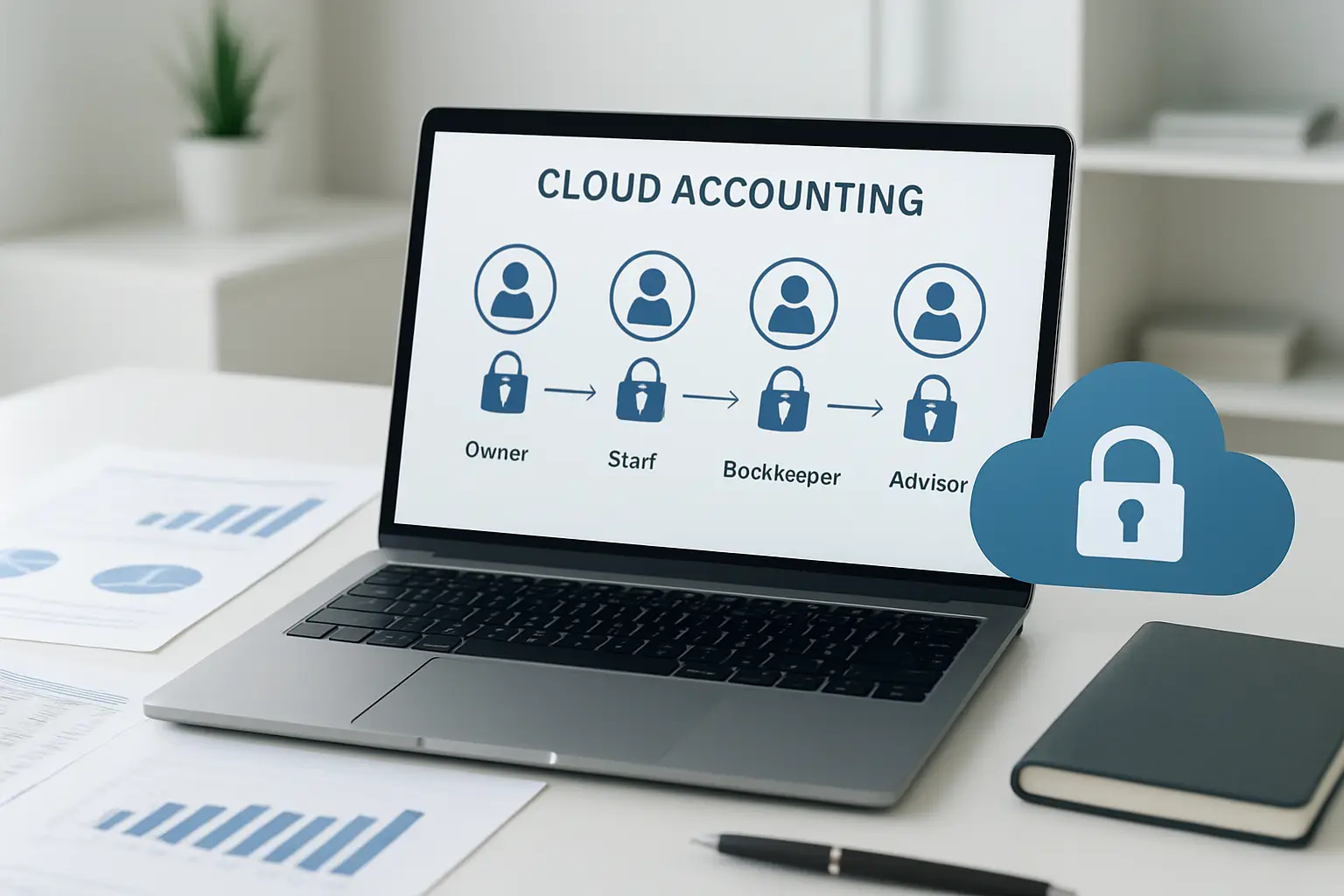
Cloud accounting access controls for business owners staff bookkeepers and accounting users
Cloud Accounting in Surrey

Cloud Accounting Support for Surrey Businesses

Phoenix Knight supports Surrey businesses that want to move financial records into a more connected digital accounting workflow or improve an existing cloud accounting system.

Review broader accounting and tax support through the Surrey service area .

Cloud Accounting FAQ

Cloud Accounting Solutions Questions

Get clear answers about software setup, migration, bank feeds, GST/HST records, user access, training, cleanup, and recurring accounting workflows.

What Are Cloud Accounting Solutions?

Cloud accounting solutions use online accounting software together with workflows for invoices, expenses, bank activity, supporting records, account reconciliation, GST/HST information, and financial reporting.

Is Cloud Accounting Useful for a Small Business?

It can be useful when a business wants financial information stored in a more connected digital system and needs recurring access to invoices, expenses, accounts, supporting records, and financial reports.

Can Phoenix Knight Set Up QuickBooks, Xero, or Sage?

Phoenix Knight supports QuickBooks, Xero, and Sage accounting workflows, including account setup, opening information, banking workflows, reporting, document processes, user permissions, and related configuration.

Can Existing Spreadsheets Be Moved Into Cloud Accounting?

Existing spreadsheets and accounting records can be reviewed before migration. The process may involve organizing transactions, opening balances, customers, vendors, accounts, and other information needed in the new system.

Can Cloud Accounting Help Organize GST/HST Records?

A properly organized accounting workflow can help keep sales, purchases, GST/HST codes, tax-collected information, and Input Tax Credit records connected with the underlying transactions.

What If the Existing Accounting File Is Messy?

Cleanup may be needed first when transactions are missing, accounts are unreconciled, balances are unclear, or the existing chart of accounts no longer reflects the business.

Can Owners or Staff Receive Cloud Accounting Training?

Phoenix Knight can review the configured workflow with owners or staff so they understand routine tasks such as invoices, receipts, account access, document handling, and financial reports.

Does Cloud Accounting Replace Bookkeeping?

No. Cloud accounting software is a system used to maintain financial records. Bookkeeping and accounting work are still needed to review transactions, reconcile accounts, organize supporting information, and prepare financial reports.

Related Support

Related Accounting Services

Cloud accounting may need to connect with recurring bookkeeping, broader small-business reporting, tax preparation, or business planning depending on the company's needs.

Cloud Accounting Consultation

Build a Cloud Accounting System Around Your Business

Tell Phoenix Knight which software you use now, where your financial records are stored, and what is creating the most difficulty—migration, bank feeds, account setup, GST/HST records, reporting, user access, or an accounting file that needs cleanup.

You can start with your current software, spreadsheets, statements, reports, and accounting records. The existing setup can be reviewed before deciding what needs to change.

Contact Phoenix Knight
Surrey business owner preparing for a cloud accounting setup consultation with Phoenix Knight Financial Services