

How to Fix QuickBooks Reconciliation Errors in Canada: The Key Rule
To fix a QuickBooks reconciliation discrepancy, first compare the beginning and ending balances with your bank statement. Then review the Reconcile Discrepancy Report, check for missing or duplicated transactions, and correct only the entries that are wrong. Avoid a forced adjustment that hides the difference.
Phoenix Knight Financial Services helps businesses in Surrey and across the Lower Mainland keep tax and accounting records clear. This article answers the specific filing question before showing where professional help may fit.
Why Does QuickBooks Reconciliation Not Balance?
Reconciliation compares your QuickBooks bank or credit card account with a statement from the bank. The difference should reach $0.00 when all valid statement transactions are matched correctly.
Common causes include an incorrect beginning balance, wrong statement date, an old reconciled transaction being edited, bank-feed duplicates, unrecorded fees, and payments grouped differently by the bank.
Which QuickBooks Reconciliation Error Do You Have?
| What you see | Check first |
|---|---|
| Beginning balance is wrong | Prior reconciled transactions and the Discrepancy Report |
| Ending balance differs | Statement ending date, balance and missing entries |
| Duplicate amount | Bank feed matches and duplicated manual transactions |
| Old period changed | Audit log and the prior reconciliation report |
| One deposit equals several payments | Grouped deposits and undeposited funds |
Step-by-Step: Fix a QuickBooks Reconciliation Discrepancy
- Get the real bank statement. Check the exact month, account number and ending balance.
- Review the opening or beginning balance. It should match the prior reconciled ending balance.
- Open the discrepancy tools. In QuickBooks Online, use the reconciliation help prompts and discrepancy report when shown.
- Check old edits. Find reconciled entries that were deleted, voided, changed or marked as unreconciled.
- Find unmatched transactions. Look for missing fees, interest, refunds or duplicate bank-feed entries.
- Correct genuine errors. Confirm every change against the bank statement or original receipt.
- Reconcile again. Continue only when the difference is $0.00.
If multiple prior months are affected, start with the oldest incorrect period. The QuickBooks setup checklist can help confirm account settings.
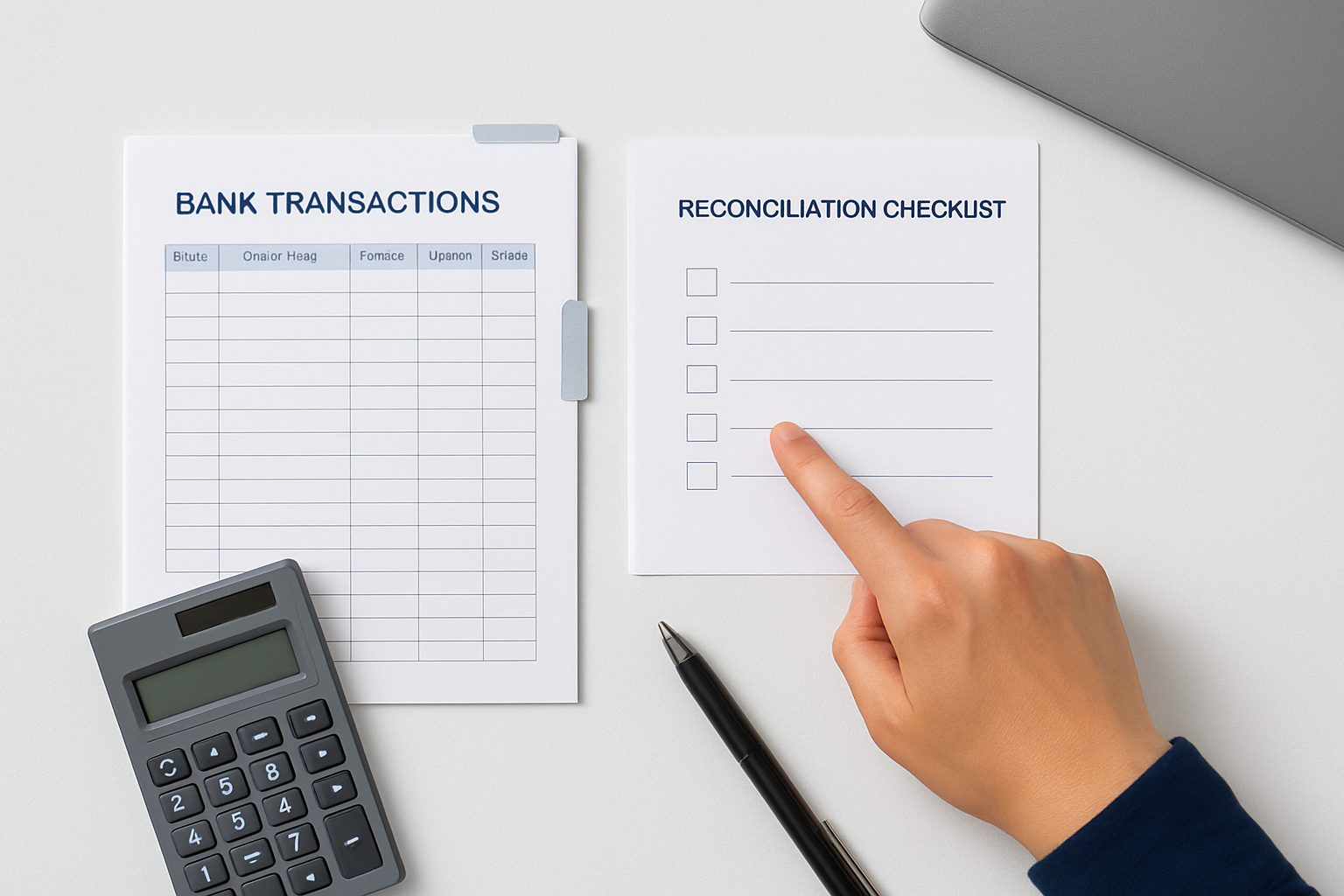
How Do You Fix a Wrong Beginning Balance?
If the beginning balance no longer matches, a previously reconciled transaction may have been changed. Review the Reconcile Discrepancy Report and the audit history. Compare the original bank statement and the prior reconciliation report before editing anything.
For a first-time reconciliation, confirm the original opening balance rather than treating it as a changed old transaction.
When you're unsure whether a past change was intentional, involve an accountant before altering a closed reporting period. Our bookkeeping cleanup services can help trace those differences.
How Do You Fix an Ending Balance Difference?
Start by checking the statement ending date and amount entered in QuickBooks. Next, compare cleared items in the statement with the matching items in the register. Watch for deposits that the bank combined into one amount.
Do not mark entries reconciled simply to make the total equal zero. A false match can create problems in your next GST/HST return or year-end statements.
For ongoing support, small business bookkeeping and cloud accounting can help keep your records current.
What Should You Avoid When Fixing Reconciliation?
- Do not delete reconciled entries without confirming the original transaction.
- Do not create unexplained journal entries to force a $0 difference.
- Do not reconcile multiple months as one period.
- Do not ignore duplicate transactions pulled from the bank feed.
- Do not edit tax-closed periods casually.
For wider bookkeeping decisions, compare QuickBooks versus hiring a bookkeeper or review our outsourced bookkeeping services.
Frequently Asked Questions
Why does the QuickBooks beginning balance change?
A previously reconciled entry may have been modified, deleted, voided or unreconciled.
How do I find a missing transaction?
Compare bank statement lines to the QuickBooks register and search for unmatched dates, amounts and payees.
Should I use a reconciliation adjustment to force zero?
Not as a routine fix. Find the actual cause before adding an unexplained adjustment.
Can I undo a completed reconciliation?
It may be possible, but changing a completed period can affect later reports. Ask an accountant if unsure.
Does bank feed matching mean transactions are reconciled?
Not necessarily. Matching a downloaded item and reconciling it to a bank statement are different checks.
What if the discrepancy is from a prior tax year?
Preserve statements and audit history and seek professional guidance before changing filed periods.
Need help resolving QuickBooks reconciliation errors?
GoPK can help review your records, identify next steps and prepare for the relevant filing or bookkeeping requirement. Share the details of your situation so the right service can be discussed.

Official Guidance and Review Notes
QuickBooks product menus may change; use the latest Canadian Intuit help pages for exact navigation. Sources were checked for this article on October 21, 2026; tax obligations can depend on your specific facts.