Virtual Accounting Surrey BC

Virtual Accounting Services in Surrey BC for Busy Business Owners

Running a business is hard enough without chasing receipts, emailing spreadsheets, waiting for reports, or wondering whether your books are current. You may need accounting help but not have time for office visits, paper drop-offs or meetings. Phoenix Knight Financial Services provides Virtual Accounting Services in Surrey BC for owners who want a workflow. We help organize bookkeeping, reconciliations, payroll records, GST/HST information, monthly reports, cloud accounting, and tax-ready files. With more than 20 years of experience, Phoenix Knight helps businesses move financial records into a digital process so owners can review what needs attention without managing every task themselves.

More Than 20 Years of Experience Accounting, bookkeeping, tax, payroll, and cloud support
Surrey business owner reviewing accounting reports through a cloud accounting workflow
Remote Accounting Support

Accounting Help Without Repeated Office Visits

Business owners may have receipts in email, invoices in one system, banking records somewhere else, and payroll information in another platform. A virtual workflow brings those records into a more consistent accounting process.

02

Keep Monthly Records Moving

A remote process makes it easier to review transactions, reconcile accounts, address missing information, and prepare financial reports throughout the year.

  • Regular account review
  • Monthly reporting workflow
  • Email and phone communication
  • Optional video check-ins
03

Make Year-End Easier to Prepare For

Keeping records organized during the year can reduce the amount of information that needs to be reconstructed when tax and year-end work begins.

Explore Tax Preparation Services
You Do Not Need a Perfect Digital System Before Starting.

Existing spreadsheets, statements, software files, receipts, invoices, and other records can be reviewed first. The workflow can then be organized around the way your business currently handles financial information.

Service Coverage

What Virtual Accounting Can Include

Virtual accounting can connect recurring bookkeeping, financial reporting, payroll records, GST/HST information, cloud systems, and year-end records through one remote workflow.

Monthly Accounting Reports

Bring reconciled accounting records into reports that help owners review revenue, expenses, account balances, receivables, payables, and financial changes.

  • Profit and loss information
  • Balance sheet information
  • Receivable reporting
  • Payable reporting
Explore Accounting Services

Payroll Records

Connect wage expenses, payroll liabilities, deductions, vacation information, and other payroll-related records to the accounting workflow.

Explore Payroll Services

GST/HST Records

Keep sales information, tax collected, purchase records, Input Tax Credit information, and reporting-period records easier to review.

Explore GST/HST Filing Services

Cloud Accounting Workflows

Organize accounting software, bank feeds, digital records, reporting processes, and user access around a more consistent monthly workflow.

Explore Cloud Accounting Solutions

Tax-Ready Financial Records

Maintain reconciled accounts and supporting information so year-end financial and tax records are easier to assemble when filing work begins.

Explore Small Business Tax Services
Choose the Right Workflow

Is Virtual Accounting a Good Fit for Your Business?

Virtual accounting works best when the business can share financial records digitally and is comfortable handling regular accounting communication remotely. It does not need to fit every business in exactly the same way.

May Need More Setup

Your Records Are Mostly Manual or Behind

  • Several months of transactions are unreconciled
  • Receipts and invoices are stored in different places
  • Opening balances or account balances are unclear
  • Accounting software has not been configured consistently
  • Digital document routines still need to be established
Explore Bookkeeping Cleanup Services
Remote Accounting Workflow

How Virtual Accounting Works

A clear remote workflow defines what information needs to be shared, when accounts are reviewed, how missing items are handled, and how financial reports are delivered.

01

Share Records

Provide bank information, receipts, invoices, bills, payroll records, and other supporting documents through the agreed digital workflow.

02

Review and Reconcile

Transactions and accounts are reviewed, reconciled, and organized while missing or unclear items are identified.

03

Prepare Reports

Reconciled records are used to prepare the recurring accounting and financial information needed for the reporting period.

04

Review Follow-Up Items

Questions, missing records, unusual balances, upcoming obligations, and other items that need attention are identified.

Service Comparison

Virtual Accounting vs. In-Person Accounting Workflows

Both approaches can support good accounting. The main difference is how records, communication, account access, and recurring reporting move between the business and the accounting team.

In-Person Workflow

More Physical Record Exchange

Businesses using a traditional workflow may rely more heavily on scheduled meetings, printed information, physical records, or files collected at specific points during the year.

  • Scheduled record hand-offs
  • Physical or locally stored documents
  • Meeting-based communication
  • Periodic report delivery
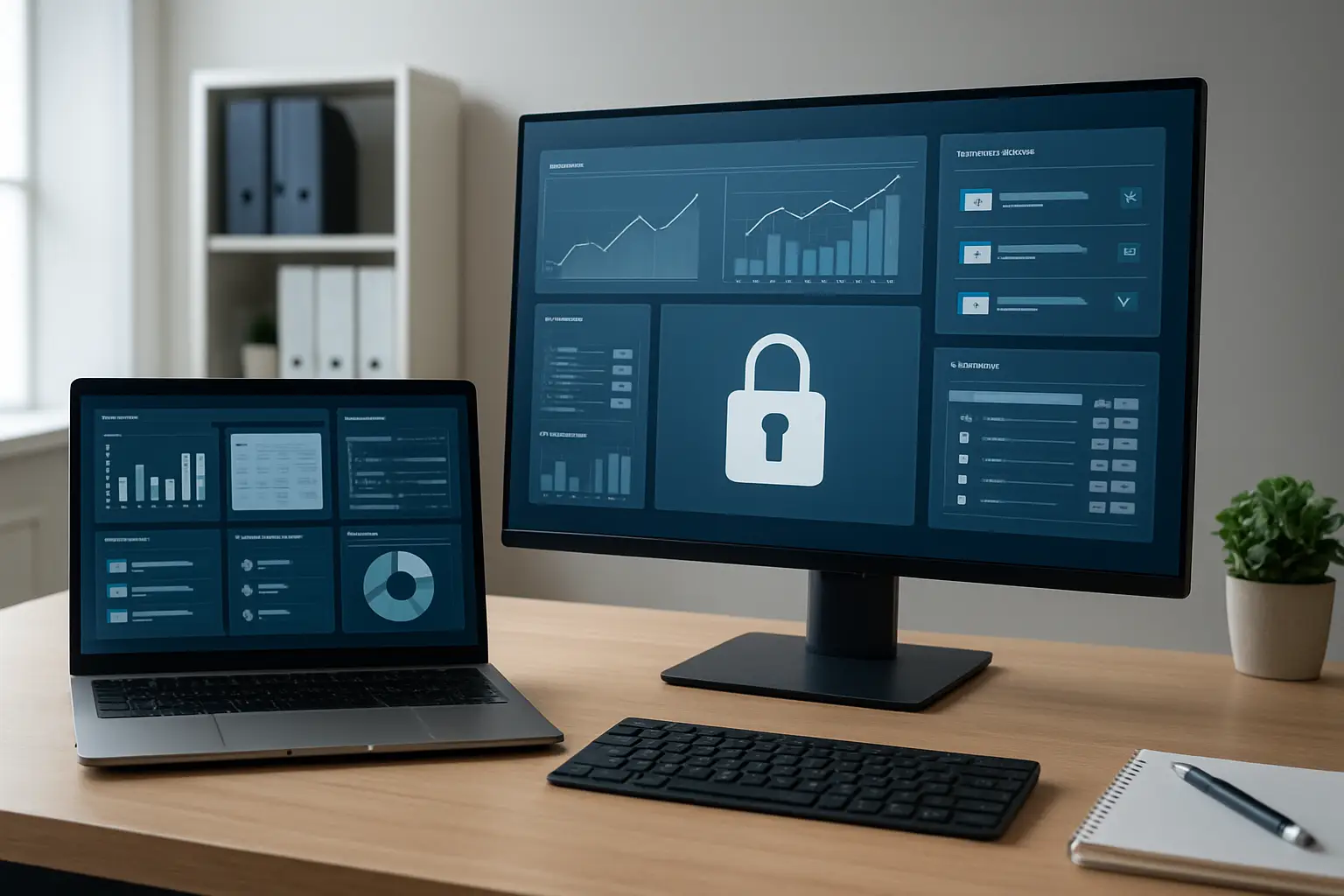
Cloud accounting dashboard with financial reports and controlled user access
Cloud Tools and Access

Keep Digital Accounting Access Organized

Virtual accounting works better when access to financial systems is structured. User permissions, document-sharing methods, accounting software, receipt processes, and report delivery should all have a clear purpose.

Business owners should also protect their own login information and use the security controls offered by the platforms they use.

Monthly Rhythm

Stay Updated Without Chasing Accounting Reports

A recurring rhythm helps everyone know what information is needed, which accounts have been reviewed, what reports are available, and which questions still need follow-up.

Step 2

Update the Accounts

Review transactions, reconcile accounts, organize records, and identify missing information.

Step 3

Prepare the Reports

Bring the completed accounting period into financial reports and account summaries.

Step 4

Review What Needs Attention

Identify missing records, unusual balances, cash concerns, outstanding amounts, or other financial questions.

Business Fit

Virtual Accounting for Different Surrey Businesses

Remote accounting can support different business models, but the records that matter most depend on how the business earns money, pays suppliers and workers, and tracks expenses.

Professional Services

Keep client invoices, retainers, receivables, software costs, contractor payments, payroll information, and reporting organized through a recurring digital process.

Retail and Restaurants

Bring sales reports, merchant deposits, supplier bills, payroll information, operating expenses, and sales-tax records into the accounting workflow.

Healthcare and Clinics

Organize professional revenue, rent, software, staff costs, contractor payments, clinic expenses, and recurring financial reports.

Explore Healthcare Accounting

Real Estate Businesses

Track commissions, property-related income and expenses, marketing costs, financing information, and recurring accounting records remotely.

Explore Real Estate Accounting

Freelancers and Consultants

Organize client income, platform payments, software costs, project expenses, business records, and other information needed throughout the year.

Explore Freelancer Tax Services
Getting Started

Virtual Accounting Onboarding

Your accounting records do not have to be fully organized before onboarding begins. The first step is understanding what systems, accounts, records, and reporting processes are already in place.

02

Organize

Identify missing information, unreconciled balances, unclear transactions, and records that need attention before the monthly workflow is established.

03

Set Up

Establish software access, digital document routines, reporting expectations, communication methods, and recurring accounting responsibilities.

04

Move Into a Monthly Rhythm

Continue with recurring accounting, reconciliations, reporting, payroll-related records, GST/HST information, and year-end organization as needed.

Virtual Accounting in Surrey

Remote Accounting Support for Surrey Businesses

Phoenix Knight provides virtual accounting support for businesses in Surrey that want to manage financial records, recurring bookkeeping, reports, payroll-related information, and other accounting tasks through a digital workflow.

Review broader accounting and tax support available through the Surrey service area .

Virtual Accounting FAQ

Virtual Accounting Services Questions

Find clear answers about remote accounting, cloud software, monthly reporting, payroll records, bookkeeping cleanup, digital access, and getting started.

What Are Virtual Accounting Services?

Virtual accounting services provide accounting and related financial record support through a remote workflow. This can include bookkeeping, account reconciliations, payroll-related records, GST/HST information, monthly reporting, cloud accounting, and year-end organization.

Can Virtual Accounting Work for a Surrey Business?

Yes. A Surrey business can use a virtual workflow when accounting records, financial accounts, supporting documents, software access, and communication can be handled digitally.

Do I Need Accounting Software Before Starting?

No. Existing software and records can be reviewed first. The appropriate cloud accounting setup depends on the business's current records, financial accounts, reporting needs, and preferred workflow.

Can Virtual Accounting Include Payroll Records?

Yes. Payroll-related accounting can include wage expenses, payroll liabilities, deduction information, vacation records, payroll reports, and other entries that need to connect with the business's financial records.

What If My Books Are Behind?

Start with the records you already have. Transactions, statements, receipts, invoices, software records, and account balances can be reviewed to identify what is missing or unreconciled before a recurring virtual workflow begins.

How Is Access Managed in Virtual Accounting?

Digital accounting access can be organized through accounting software permissions, document-sharing processes, bank feeds, file storage, and agreed communication methods. Business owners should also use the security controls provided by their accounting and financial platforms.

How Often Can Virtual Accounting Records Be Reviewed?

The useful frequency depends on the business's transaction volume, reporting needs, payroll, financial complexity, and how often management needs updated accounting information.

Does Virtual Accounting Replace All In-Person Accounting?

Not necessarily. Virtual accounting describes how the accounting workflow is delivered. The right delivery method depends on the business, its records, its systems, and the type of support required.

Related Support

Related Virtual Accounting and Business Services

Remote accounting may need to connect with broader tax, advisory, or self-employed support depending on how your business operates.

Next Step

Build a Virtual Accounting Workflow Around Your Business

Tell Phoenix Knight how your accounting is handled now, which software you use, where your records are stored, and what is causing the most difficulty—bookkeeping, reporting, payroll records, GST/HST information, cleanup, or year-end organization.

You can start with the records and systems you already have. The first review can identify what needs to be organized before a recurring virtual accounting workflow is established.

Contact Phoenix Knight
Surrey business owner preparing for a virtual accounting consultation